

To start with, the best way to spot performing brands at a glance is to navigate to Reporting > Offer from the left-side menu
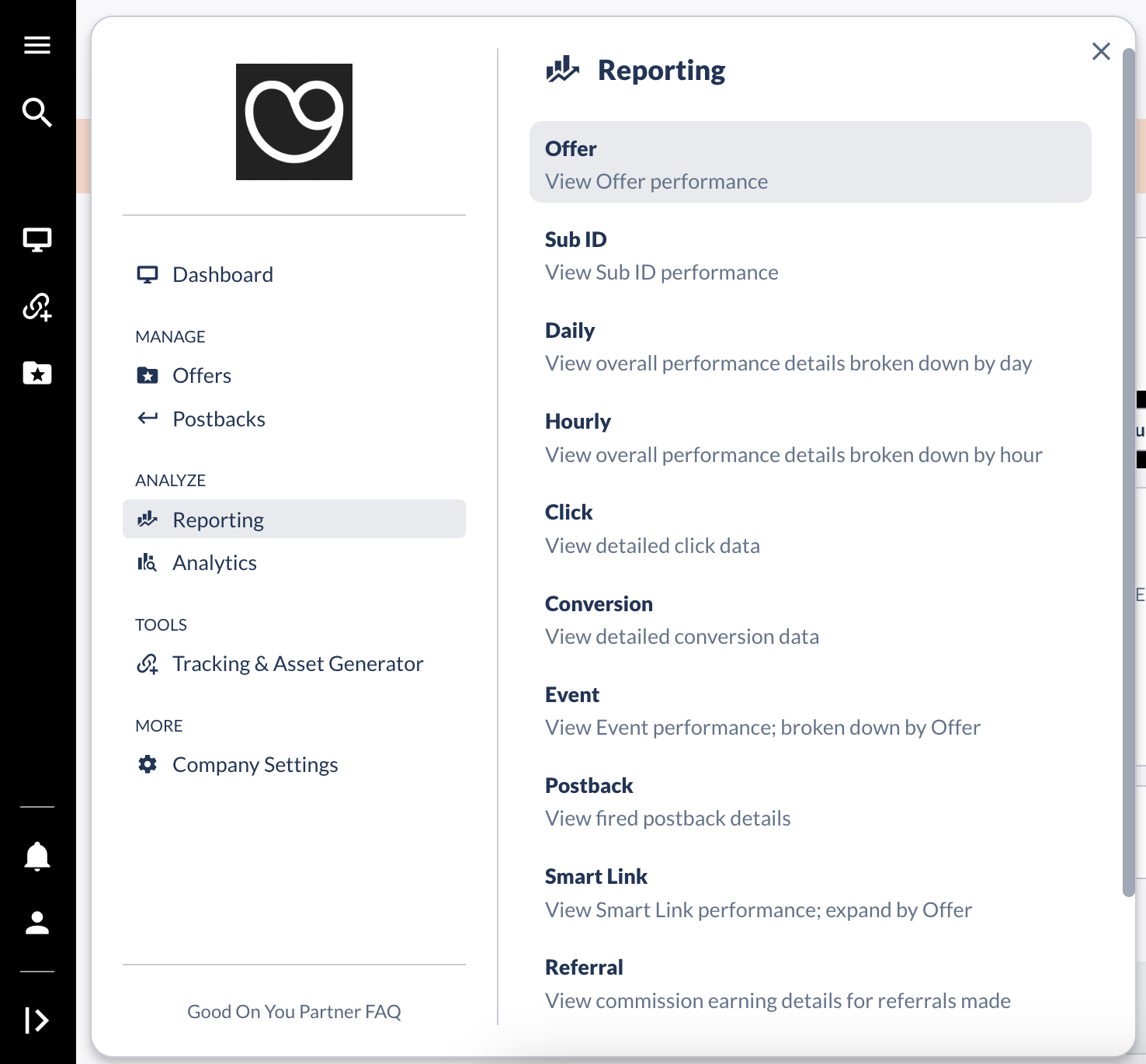
Once there, simply select a timeframe from the top menu and click the "Run Report" button.
If you scroll down to the "Detailed Report" then, you'll see a list of Offers that recorded clicks and conversions (CV) during that selected period.
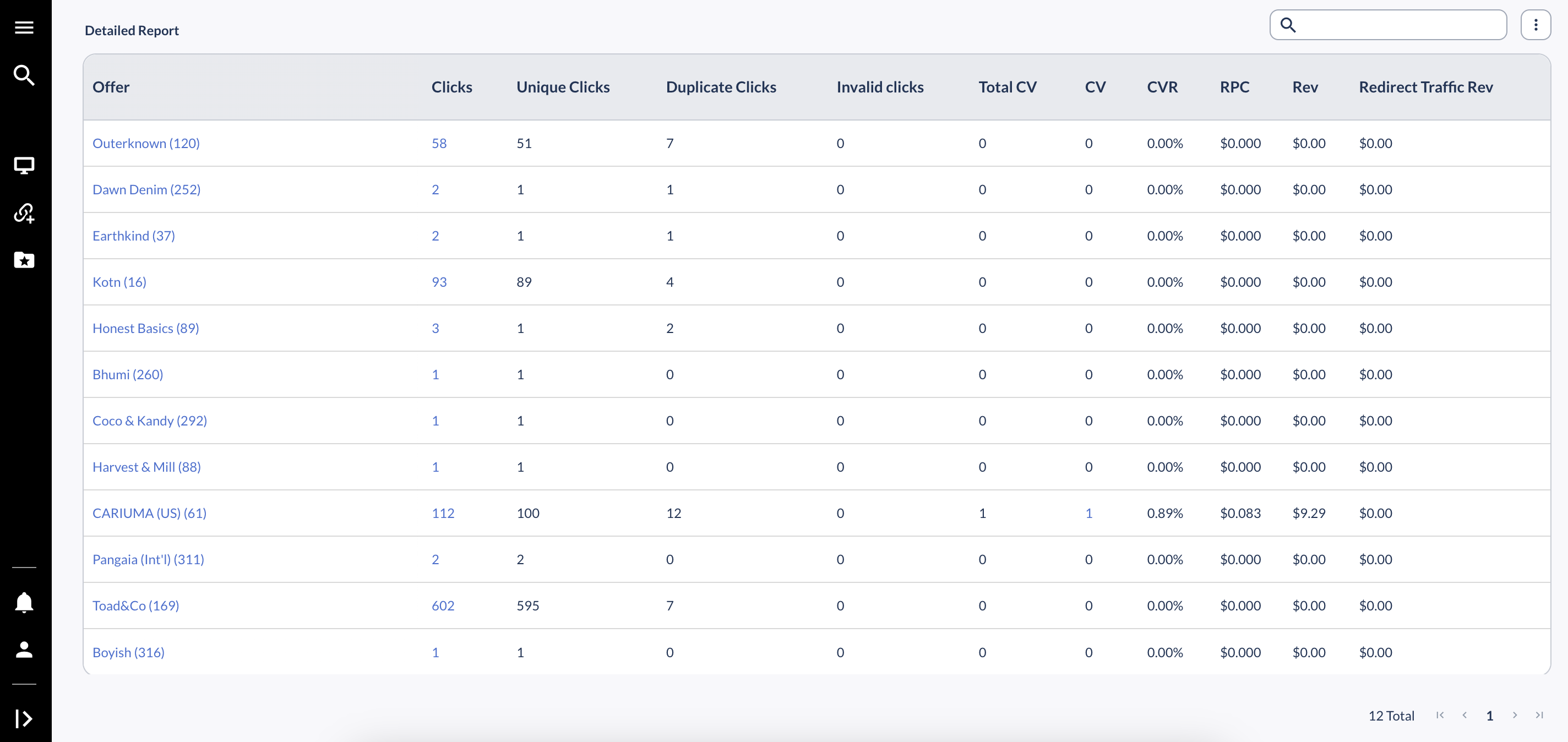
Looking at the example above, you see that a bunch of brands (Offers) are receiving traffic from your channels although in the selected period, Cariuma is the only Offer that also recorded a conversion. Knowing this, you can go back to the main menu and then navigate to Reporting > Conversion
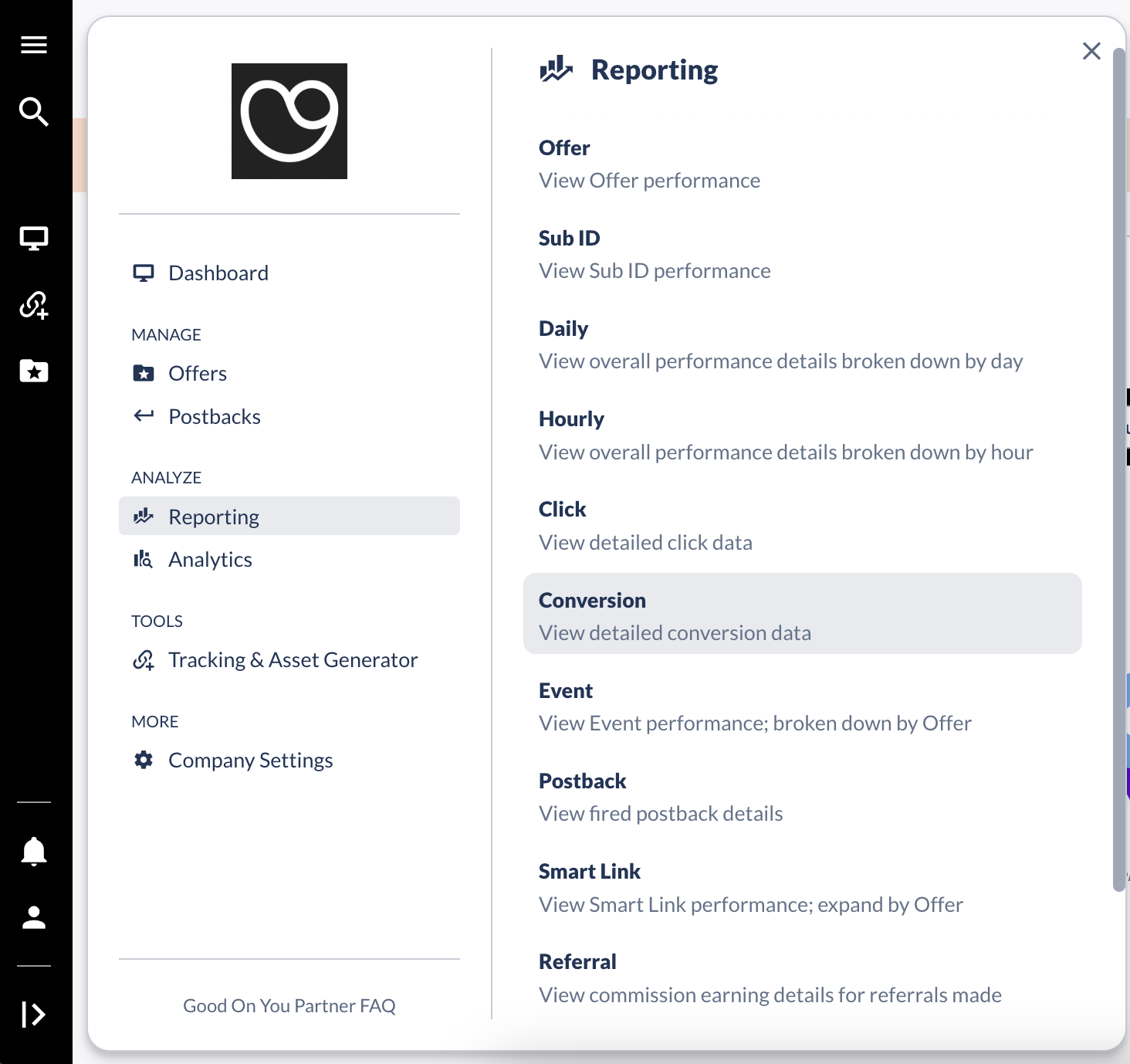
Once there, select a timeframe again, filter by Offer: Cariuma (US), and customize the report by clicking on the 3 dots button > Columns Customization
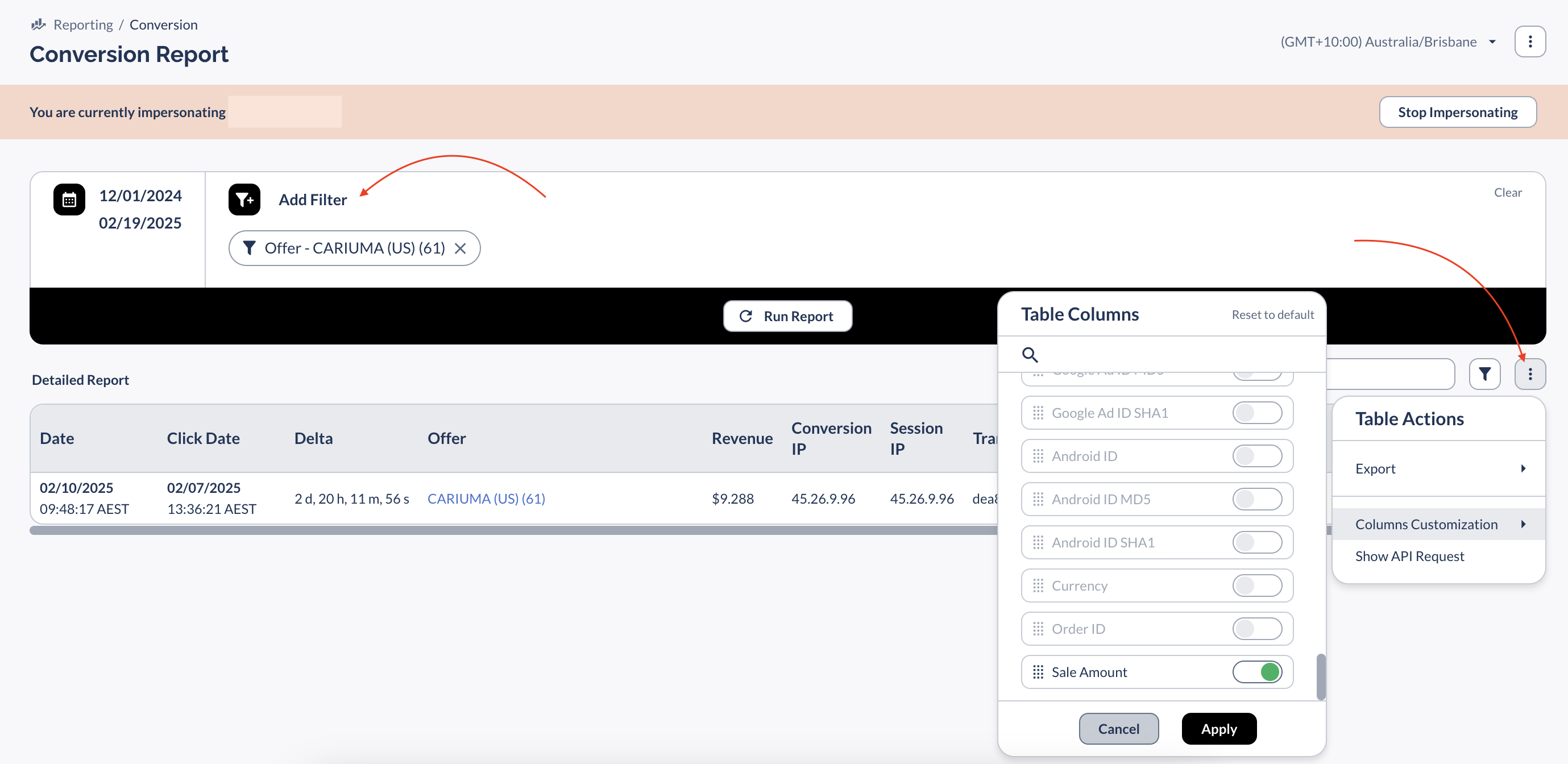
You can add "Sale Amount" to know the total order amount referred to the brand, for instance, and "Revenue" to see your earned commission on that order.
Learn more about how you'll get paid for your accrued commission at this link.