

You can filter Offers based on their HQ Country:
go to offers, click on the filter button (top right corner), go to 'channel' and select the country you're searching offers for.
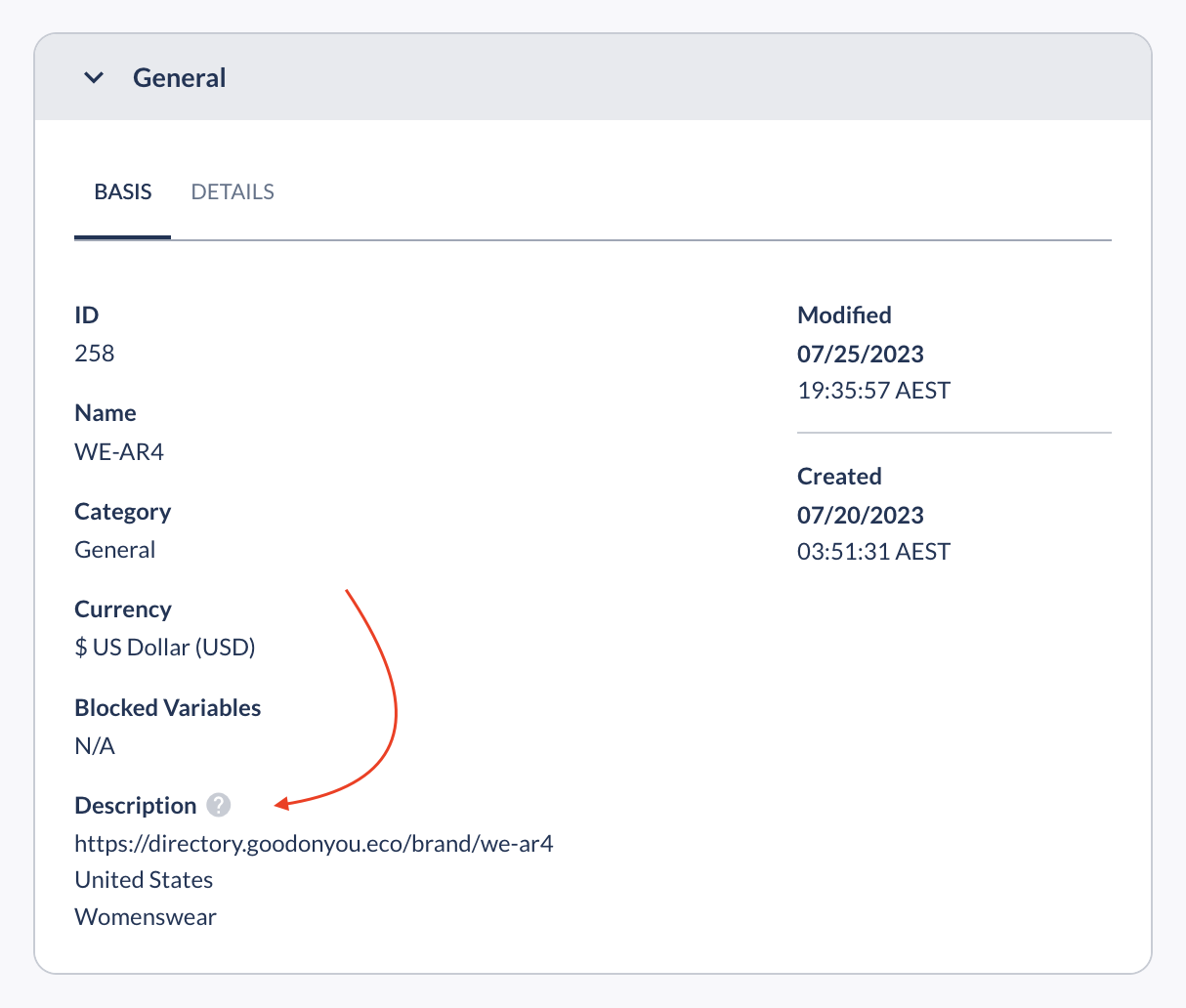
You can not filter based on other criteria at the moment. However, you can find more info in each Offer description, including:
A direct link to the brand profile and rating in the Good On You directory
The brand location
The brand's online store range (Womenswear, Menswear, Kids, Plus Size, and more)
If you can't find what you're looking for, don't hesitate to contact Denise at denise@goodonyou.eco and ask for help with pulling a list based on more specific criteria.