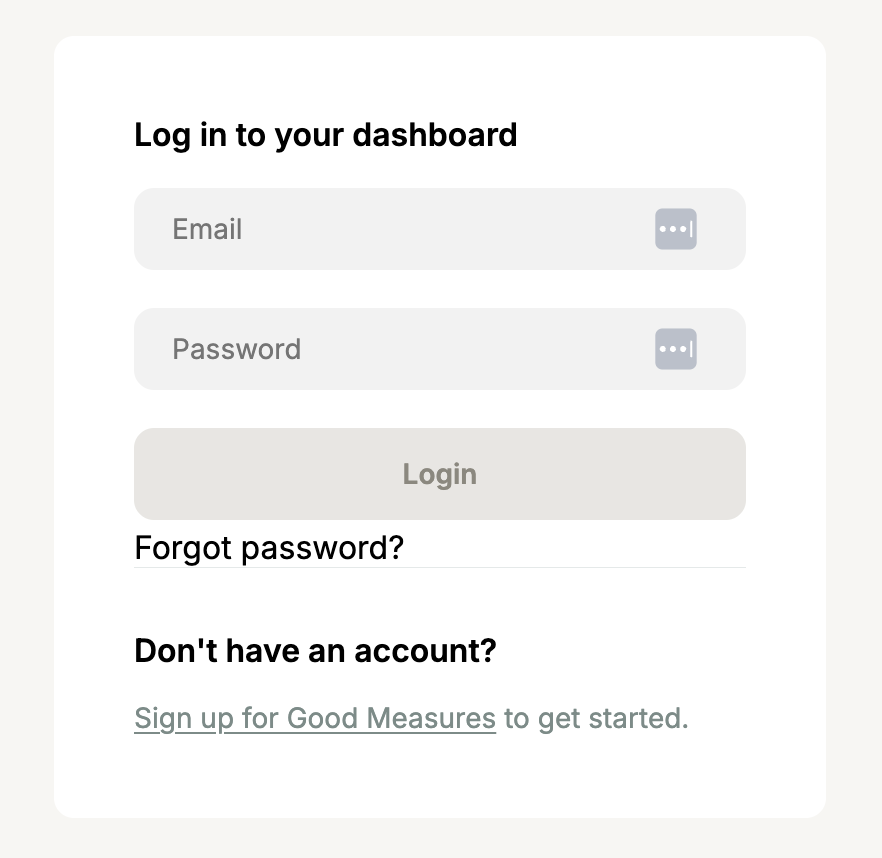

Good Measures is invite-based for brands to manage their rating. Sign up to get started with and a Good On You brand support manager will get in touch about an invite. Alternatively, one of Good On You's retailer partners may have invited you to use the tool as part of your engagement with them.
Learn about how Good On You defines a brand that can be rated
Accept your invite
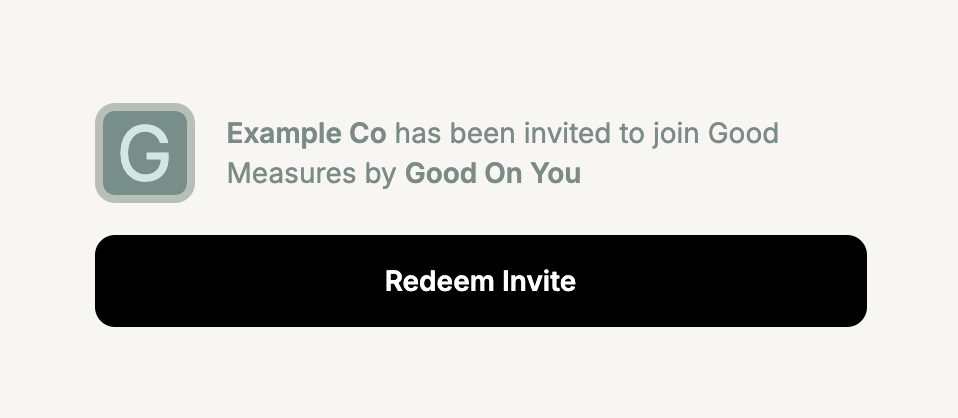
When you are invited to Good Measures you will receive an invite email that contains an invite URL. Follow the link and redeem the invite to create your account.
Add multiple team members
Brands can get multiple login details by getting in touch with their primary contact, who invited them to Good Measures initially.
Brands can have multiple user accounts. Keep in mind that all users accounts will have identical access to make updates and submit for review, and there’s no way to currently identify which user made what updates.
Manage your account
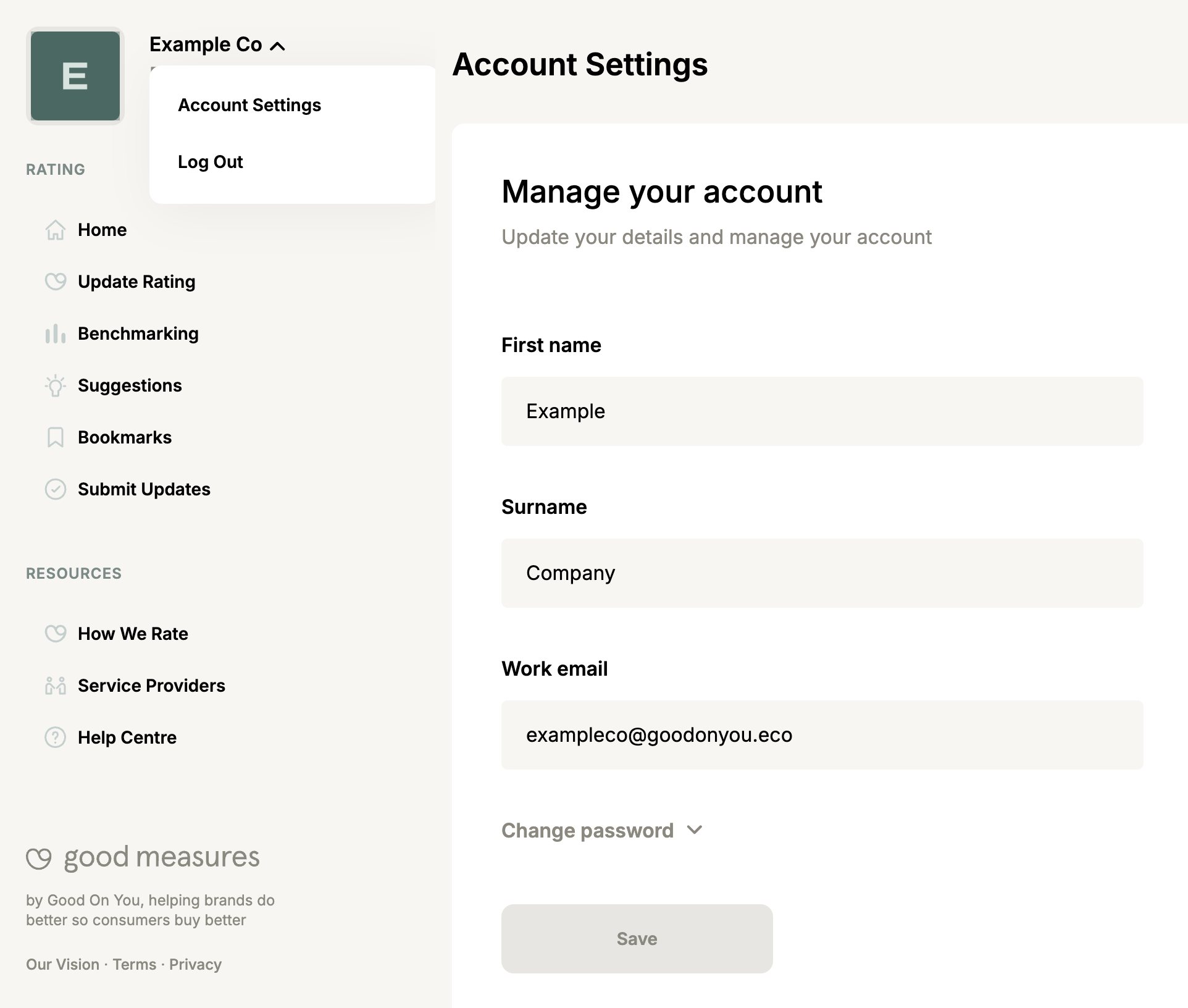
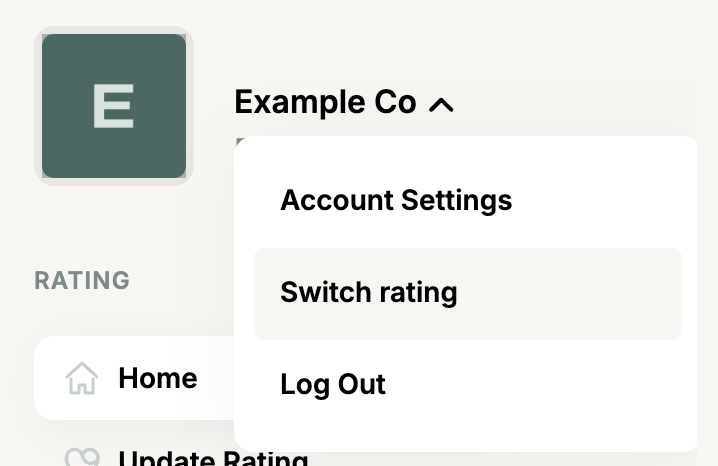
In the top left you can open the menu by the brand name to access account settings or to log out.
Managing multiple brands
A single user with one email address and password can be invited to multiple brand accounts. If you've accepted a second brand account invite, when you login you will first go to a screen to select the brand you want to manage.
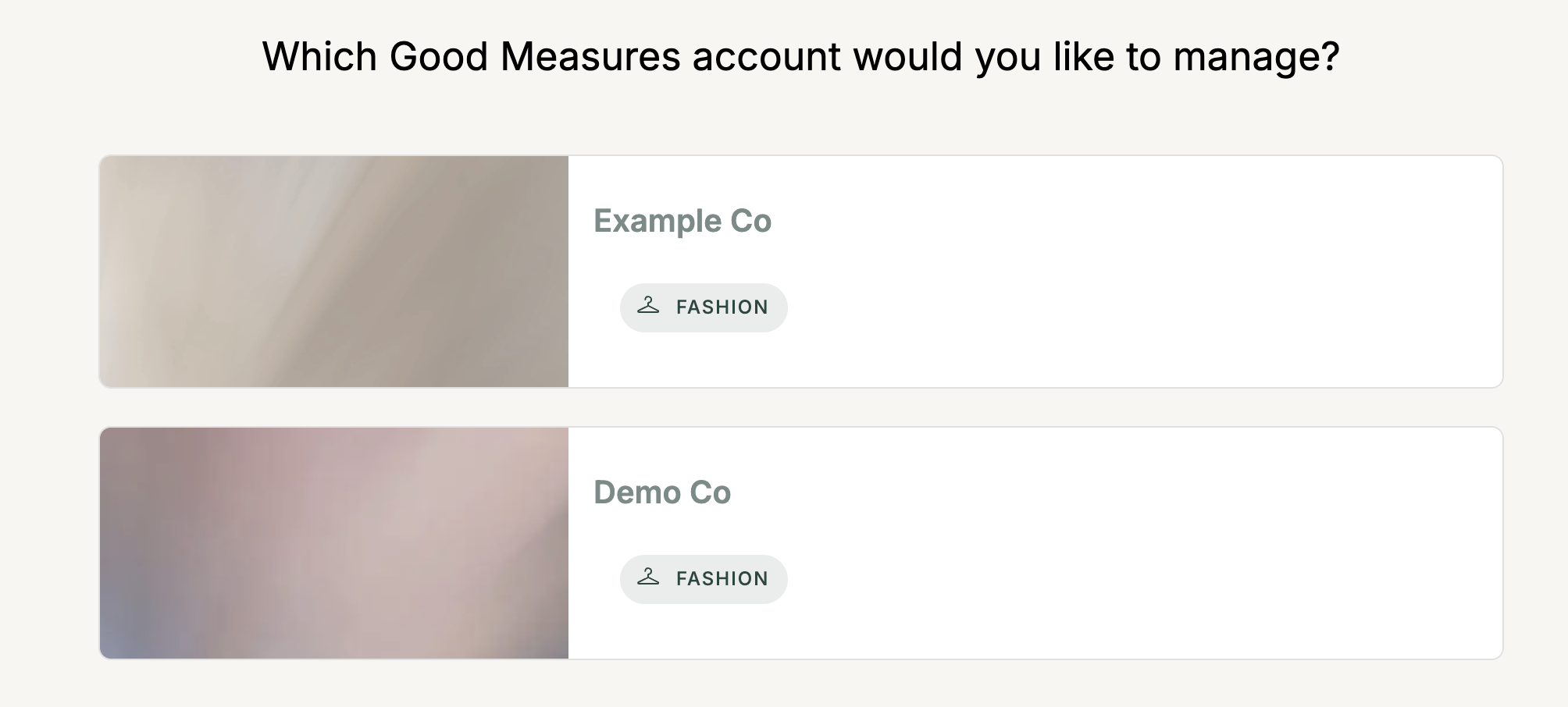
You can return to the brand selection page here or via the account menu in the top left.
Forgotten password / Unable to access account
If you cannot access your account or have forgotten your password you can reset it here or by clicking "Forgot password?" on the Good Measures login page.